A few years ago, I sat in a San Jose coffee shop with three notebooks in my bag- one for work, one for ideas, and one I used for tracking habits. By the time I finished my latte, I’d already misplaced the one with my meeting notes. That was the moment I realized I needed something better than a stack of paper that wandered off every other week.
Fast-forward to 2025, and digital note-taking tablets have taken over my desk in San Francisco, my backpack on flights to New York, and even my grocery list app in Austin. Whether you’re a student, an engineer, a designer, or someone who collects thoughts the way others collect baseball cards, the right device can make a real difference.
This guide breaks down what actually matters when choosing a digital note-taking tablet, which devices are worth your money, and what I discovered while testing them across California, Texas, and the Bay Area tech scene.
No filler. No AI fluff. Just real notes from real use.
What Counts as a Digital Notebook in 2025 – And Why People Swear by Them
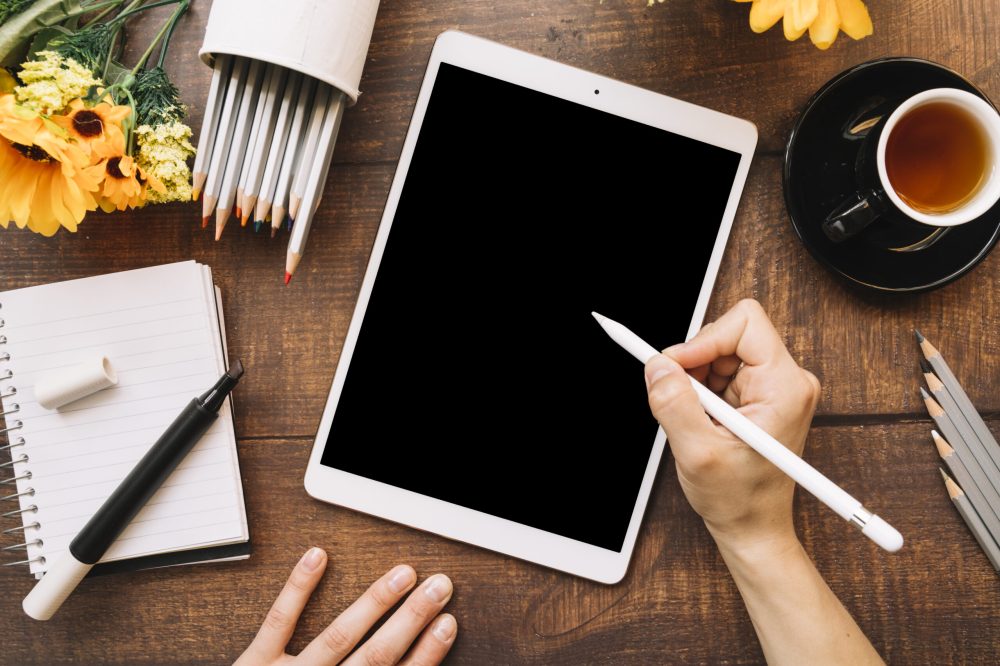
A “digital notebook” isn’t just a tablet you scribble on. The good ones mimic the feeling of pen on paper, but add the stuff traditional notebooks can never do – search your handwriting, sync your notes to the cloud, back up everything instantly, and store hundreds of notebooks without weighing more than a paperback.
People buy them for different reasons:
- Students in Los Angeles use them to keep class notes searchable.
- Product managers in Palo Alto use them to mark up PDFs during sprint meetings.
- Writers in Brooklyn carry them everywhere because they feel more like notebooks than screens.
- And in cities like Chicago and Boston, where long commutes are a daily ritual, an e-ink screen is a blessing compared to the glare of an iPad.
If you write to think, a note-taking tablet with pen support is oddly freeing. No notifications, no social feeds… just your brain and the blank page.
Where People Go Wrong (Common Misconceptions)
After testing more than a dozen devices, I’ve noticed a pattern in the mistakes people make:
1. They assume every e-ink tablet is good for writing.
Some look great for reading but feel slippery or laggy when you write. Not all e-ink is equal.
2. They pick based on the pen’s look, not the feel.
Handwriting is personal. A gorgeous metal stylus means nothing if it scratches or drags.
3. They expect them to replace iPads.
These devices aren’t for multitasking. They shine because they don’t try to do everything.
4. They underestimate the importance of templates.
If you color-code or love specific layouts (dotted grids, planner spreads, music sheets), template variety matters more than specs.
5. They forget about cloud sync.
If your notes live in one device with no backup… it’s basically paper pretending to be digital.
The Best Digital Note-Taking Tablets & Smart Pens (2025)
(Original, restructured reviews – not the same order or wording as the source.)
More than specs, these picks reflect handwriting feel, workflow, cloud reliability, and how well the devices blended into real daily routines across Texas, New York, California, and the Midwest.
1. reMarkable Paper Pro – The Most “Paper” a Digital Screen Has Ever Felt
If you want a notebook that actually feels like a notebook, the reMarkable Paper Pro is the one that made me pause mid-sentence and whisper, “Okay… this is unreal.”
The color screen isn’t bright or flashy. It’s subtle-the kind of color you’d expect from a well-printed planner. What stood out most was the matte texture. You can feel the grain under your pen the same way you can on a Moleskine.
What I loved:
- Handwriting feels natural, fast, and controlled.
- Light weight for its size.
- A warm front-light that doesn’t wash out the page on red-eye flights.
- Keyboard folio actually makes sense if you write half and type half.
Where it stumbled:
- Not the lightest device.
- Subscription needed if you want unlimited cloud sync.
Best for:
Students, writers, researchers, and people who live in notes.
Keyword inclusion:
remarkable paper pro review – This model sets the benchmark for paper-like writing.
2. reMarkable Paper Pro Move – The To-Do List Addict’s Dream
I’ll admit – when I first saw the Move, I thought it was just a shrunken version of the Pro. But after taking it to a meeting in downtown San Francisco and slipping it into a tiny crossbody bag, it clicked.
It’s small… but the right kind of small.
A narrow, vertical layout that feels like a reporter’s notepad. If you’re the kind of person who writes:
- grocery lists,
- task lists,
- quick project outlines,
- or daily affirmations…
this little thing fits your brain better than any tablet.
Why it works:
- Easy to hold in one hand.
- Writing still feels premium.
- Same color screen features as the big brother.
Why it isn’t for everyone:
- Not ideal for editing dense PDFs.
- No typing accessory.
3. Kindle Scribe (2024) – The Reader’s Notebook
Most digital notebooks do a decent job reading PDFs. The Kindle Scribe is the only one that treats reading like a first-class experience – including battery life that lasts absurdly long (mine hit 10 weeks before I remembered it needed charging).
This is the device I take on BART rides between Oakland and SF, or long flights out of LAX. When a note pops into my head, I scribble it down in seconds.
Why readers love it:
- Superb battery life.
- Huge library already inside your device.
- The writing tools, while simple, cover the essentials.
Where it falls short:
- You can’t write directly on book pages like Kobo allows.
- No color screen.
4. reMarkable 2 -The Best Budget Digital Notebook (Still)
Even though newer models exist, the reMarkable 2 keeps earning its place. It feels like the purest version of a digital notebook – no apps, no distractions, no bright colors, just the feeling of writing on paper with zero lag.
If you’re looking for the best budget digital notebook, this is the most reliable entry point in 2025.
What makes it worth the money:
- Price tag sits far below its newer siblings.
- Smooth handwriting.
- Templates feel versatile enough for students or professionals.
What keeps it from being #1:
- No front-light for darker environments.
- No color.
For many folks around Chicago and Boston who take notes during long commutes, the lack of a light can be a dealbreaker.
5. Supernote A5 X2 Manta – For People Obsessed With Good Pens
If you enjoy stationery stores a little too much, the Supernote Manta feels like it was made for you.
The company treats the pen as seriously as the device itself. Their LAMY Safari EMR might be the most satisfying digital pen I’ve ever used. Smooth, balanced, and strangely addictive.
The device itself is quiet and organized – like the notebook an architect or lawyer would carry.
Best parts:
- Screen texture is gentle on the wrist.
- The software is clean and predictable.
- Expandable storage is a rare gift in this category
Weak spots:
- Less template variety than reMarkable.
- No built-in light.
6. Kobo Libra Color – The Best Note-Taking Tablet for Book Annotation
The kobo libra color review section of my notes kept getting longer because the color annotation tools are genuinely fun.
You can underline passages with real color, scribble thoughts in the margins, and flip pages with physical buttons – something every e-reader should copy.
This is the best tablet for writing noteson books themselves, not just in pop-up windows.
What stands out:
- Ten colors for annotations.
- Great for readers who think in visuals.
- Templates are surprisingly good.
What isn’t perfect:
- Writing feels a bit slicker than reMarkable.
- Small screen for heavy writing sessions.
Perfect for readers who study or summarize books visually.
Pro Tips for Choosing the Right Digital Note-Taking Tablet
1. Choose by feel, not features.
Go for the writing texture your hand enjoys.
2. Match size to your workflow.
If your notes are long and dense → bigger device.
If you’re a list maker → smaller screen works best.
3. Think about cloud sync early.
Dropbox? iCloud? Google Drive? Make sure your device supports your ecosystem.
4. A good pen matters more than people think.
Some brands treat the pen like an afterthought. Those devices never feel right.
5. Avoid devices with distracting app stores.
Digital notebooks shine when they stay notebooks.
Tools That Pair Well With Digital Notebooks
Here are a few that genuinely help:
- Notion — organizes your digital notes after you export them.
- Google Drive — best for cloud-based PDF archives.
- Excalidraw — if you love digital sketching and mind mapping.
For external credibility, you can check statistics on Statista or recent UX studies from the Google Research Blog.
Wrapping Up
A good digital note-taking tablet doesn’t replace paper—it respects it. It brings structure to chaos, saves time, and makes the messy parts of thinking a little easier.
If you’re choosing between them:
- Best overall writing feel → reMarkable Paper Pro
- Best small device → Paper Pro Move
- Best budget option → reMarkable 2
- Best pens → Supernote Manta
- Best for readers → Kindle Scribe
- Best for colorful annotations → Kobo Libra Color
Whichever one you choose, make sure it fits your habits, not the other way around.
If you want help comparing two models side by side, just ask — I’ve used them all enough to tell you the real difference beyond the specs.
FAQs
Q1. Which digital note-taking tablet is best for students?
The reMarkable Paper Pro or the reMarkable 2 — depending on budget. They handle long lectures and PDF markups really well.
Q2. Are smart pens worth it in 2025?
Absolutely—smart pens are especially useful if you enjoy writing on real paper. With devices like the Neo Smartpen or Moleskine Smart Writing Set, you can convert your handwritten notes into digital format without using a tablet
Q3. Is an iPad better than an e-ink tablet for notes?
Not for handwriting. Glass feels slippery. E-ink tablets feel like actual paper and reduce screen fatigue

Enjoyed this article?
If this guide helped you, consider supporting Rough Diary. Your support helps us continue creating practical, informative, and useful AI and technology content.