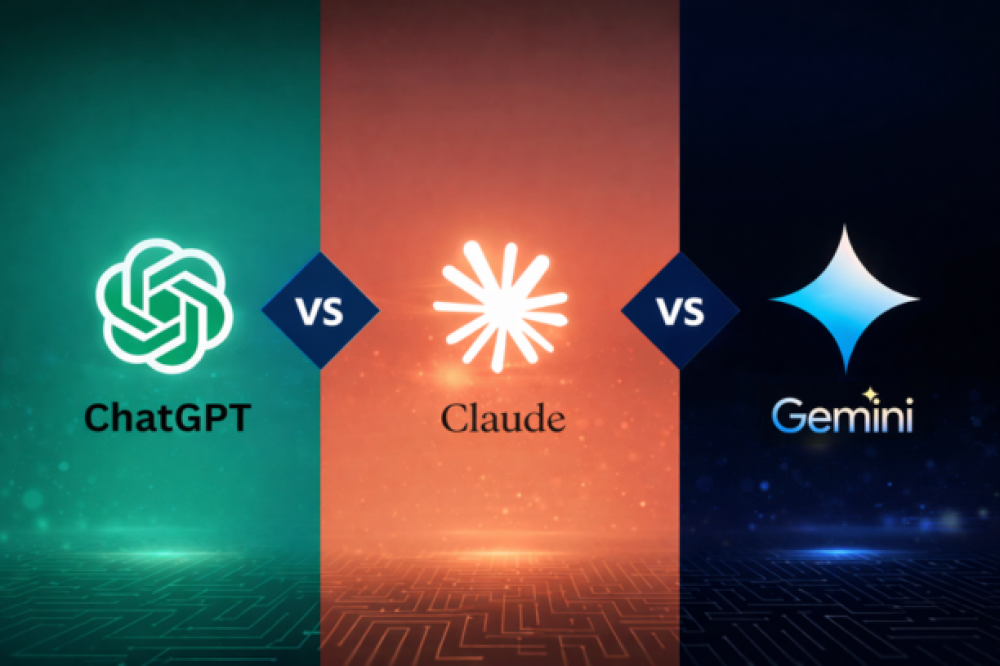

Ask five people which AI chatbot is best and you will get five confident answers. They are not wrong. The honest answer depends on what you use it for. This guide compares ChatGPT, Claude and Gemini by what each is built around, so you can pick one (or a pair) for your own work.
Disclosure: some links on this site may become affiliate links in the future. We never change a recommendation because of one. This post contains none today.
What each one is built around
ChatGPT (OpenAI)
The widest toolset of the three: chat, web browsing, image generation, voice, file analysis, custom assistants and agent-style tasks. If you want one app that does many different things, it covers the most ground. See what its agent features mean in practice in ChatGPT agents explained.
Claude (Anthropic)
Often chosen for writing, long documents and careful reasoning. Many people use it to draft, edit and analyze long files, and for coding help. Features and limits change by plan, so check Anthropic’s current pages before you commit.
Gemini (Google)
Built into Google’s products. If your work already lives in Gmail, Docs, Sheets and Drive, Gemini can work inside those apps, which saves copying and pasting between tabs.
Where each one tends to fit
| Job | Strong fit | Why |
|---|---|---|
| All-round, many tools in one app | ChatGPT | Widest set of built-in features. |
| Long writing and document analysis | Claude or ChatGPT | Both handle long text. Test both on a real draft. |
| Working inside Gmail, Docs, Sheets | Gemini | Direct Google integration. |
| Coding help | All three | All can help. Compare on your own code. See AI tools for coding and debugging. |
| Research with sources | All three | Each offers a research or browsing mode. Always open the cited links. |
| Voice and images | ChatGPT and Gemini | Both have voice and image features. Check what your plan includes. |
This table is a starting point, not a verdict. Models and features update often, and the gap between them can change in a few months.
Free vs paid
All three have free plans that are enough for light use. Paid plans usually raise usage limits, give access to stronger models and unlock extra features. Prices and plan names change often, so check the official pages instead of trusting an article (including this one):
- OpenAI: ChatGPT pricing page
- Anthropic: Claude pricing page
- Google: Gemini plans page
If you hit usage limits regularly or use the tool for work every day, a paid plan is more likely to pay for itself. For occasional use, start free. For more free options, see free AI tools worth using.
How to test them on your own work (15 minutes)
Generic reviews use the same demo prompts. Your tasks matter more. Run the same three real tasks through each tool and score the results.
| Task | ChatGPT | Claude | Gemini |
|---|---|---|---|
| 1. Draft or edit something you actually need | Score 1 to 5 | Score 1 to 5 | Score 1 to 5 |
| 2. Summarize a real document or email thread | Score 1 to 5 | Score 1 to 5 | Score 1 to 5 |
| 3. Answer a question you can verify | Score 1 to 5 | Score 1 to 5 | Score 1 to 5 |
Score on how little editing the answer needs, and whether the facts were right. Better prompts help every tool, so read prompt techniques for better results first.
Common mistakes
- Assuming one is simply smarter. Differences show up in specific tasks and features, and they change.
- Staying with the first tool you tried. Test a second one on your real work.
- Trusting facts without checking. All chatbots can be wrong. Verify names, dates, numbers and citations.
- Ignoring privacy settings. Each service has its own settings for how chats are stored or used to improve models. Check them before sharing anything personal or confidential. For business use, look at the plan’s data terms.
Which one should you pick?
- You want one app for many tasks: start with ChatGPT.
- Your work is mostly writing or long documents: try Claude, and compare it with ChatGPT on a real draft.
- You live in Google Workspace: try Gemini first.
- You do many different things: pair two. One default plus one for what it does better.
Building a larger toolkit? See AI tools for business and AI writing tools for bloggers.
The bottom line
There is no single best chatbot, because the three are built around different priorities. Match the tool to your daily work, test with your own tasks, check the official pricing pages, and verify anything important.
Frequently asked questions
Can I use more than one chatbot?
Yes. Many people use one as their default and a second for tasks it handles better. Free plans make this cheap to try.
Is a paid plan worth it for personal use?
For light use, usually not. If you hit limits daily or depend on it for work, it often is.
Do these chatbots make mistakes?
Yes, especially with specific facts, dates and niche details. Treat answers as a first draft and check anything important.
Which chatbot is best for coding?
All three can help. Compare them on your own language and codebase, because results vary by task.

Enjoyed this article?
If this guide helped you, consider supporting Rough Diary. Your support helps us continue creating practical, informative, and useful AI and technology content.